Your first day: the Cockpit
Completion requirements
View
🧭
Ask Your Agent · 1 of 5
Your first day: the Cockpit
Read on today's tide
When you set your password, your Cockpit opens on Overview. At the top is a short list: Your first day in the village.
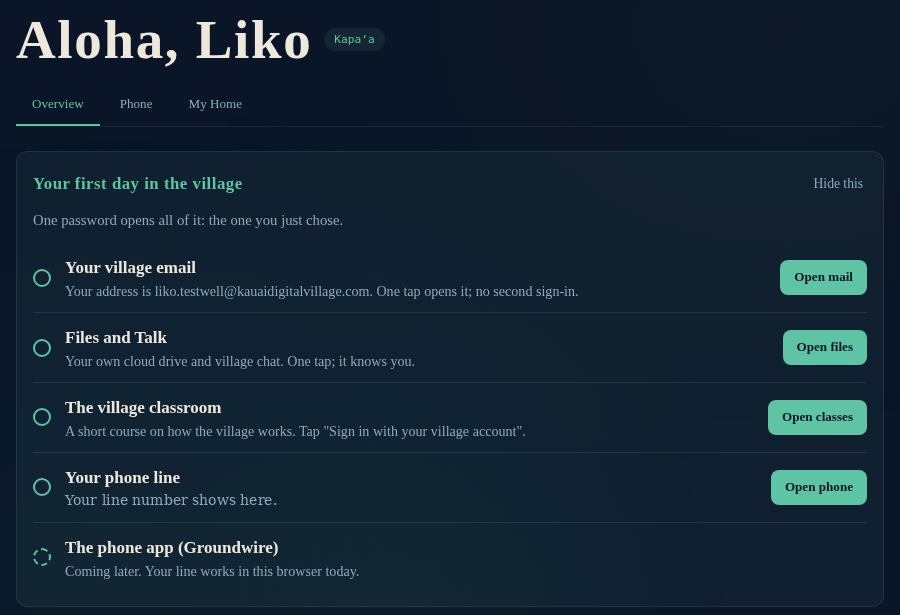
- Your village email. One tap opens it. No second sign-in.
- Files and Talk. Your own cloud drive and the village chat.
- The village classroom. Where you are now.
- Your phone line. Call and answer right in your browser.
- The phone app. Coming later. Your line works in the browser today.
One password opens all of it. Three tabs sit above the list: Overview, Phone and My Home. When you are done, tap Hide this.
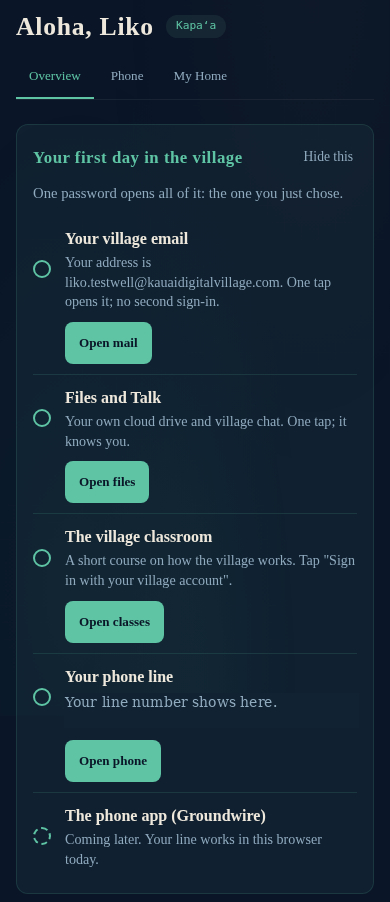
The pictures show Liko, a made-up villager. Your own name, address and line number appear in yours.
Ask Your Agent · made by Malia · Kauaʻi Digital Village